
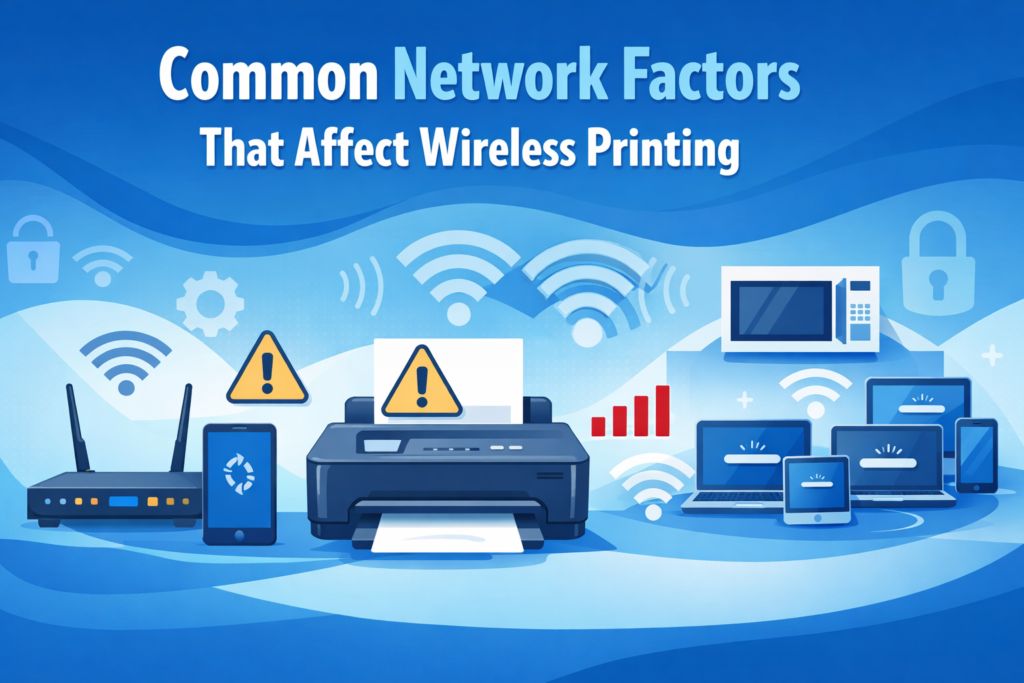
Common Network Factors That Affect Wireless Printing
(General Educational Guide)
Wireless printing depends on a stable network environment. Various network-related factors can influence how well a printer communicates with computers, smartphones, or tablets. Understanding these factors helps users improve printing efficiency and maintain consistent device visibility.
This guide explains general concepts behind network influences on wireless printing. Experiences may vary depending on printer type, operating system, and network environment.
This content is provided solely for educational and informational purposes.
What Are Network Factors in Wireless Printing?
Network factors refer to conditions within a Wi-Fi or wireless environment that can affect the communication between a printer and connected devices. These factors do not indicate printer malfunction but reflect normal network behavior.
Common network factors include:
Signal strength: Determines how well devices communicate with the printer.
Router placement: Physical location influences signal distribution.
Network congestion: Multiple devices sharing bandwidth can slow communication.
Frequency interference: Other wireless devices can impact Wi-Fi performance.
Network security settings: Firewalls or privacy settings may influence printer detection.
Items Commonly Needed to Understand Network Factors
A powered-on Wi-Fi-enabled printer
Devices connected to the same network
Awareness of the network type (2.4 GHz or 5 GHz)
Knowledge of other devices sharing the network
These items are typically referenced in general discussions about wireless printing performance.
General Steps Commonly Observed
1. Device and Printer Communication
Printers and devices rely on stable network communication to transfer data. Signal fluctuations may influence device visibility and print timing.
2. Router Placement and Coverage
Placing the router centrally or in an open area generally improves signal strength. Obstacles such as walls, furniture, or metal surfaces may reduce range and performance.
3. Managing Network Congestion
Multiple devices actively using the same network can temporarily slow printing or delay job recognition. Understanding how bandwidth is shared can help optimize usage.
4. Frequency and Interference
Wi-Fi networks operate on different frequencies (2.4 GHz vs 5 GHz). Interference from nearby wireless devices, cordless phones, or microwaves may affect printer communication.
5. Security and Privacy Settings
Firewalls, device discovery settings, or network privacy configurations may influence whether devices can detect the printer. Adjusting network settings can improve visibility while maintaining security.
General Usage Considerations
Network stability is critical for smooth wireless printing
Optimal router placement enhances both printer visibility and communication
Minimizing interference from other devices supports consistent printing
Awareness of network traffic helps plan multi-device printing
Signal strength may naturally fluctuate depending on environmental and network factors
Informational Notice
guidetoinstallation.info provides independent educational content on wireless printing and network concepts.
Not affiliated with any printer manufacturer
No paid or technical services offered
Content does not replace official documentation
For model-specific or authoritative information, readers should consult the materials provided by the printer manufacturer or operating system publisher.